The results grid
Query results appear in a fast data grid below the editor.
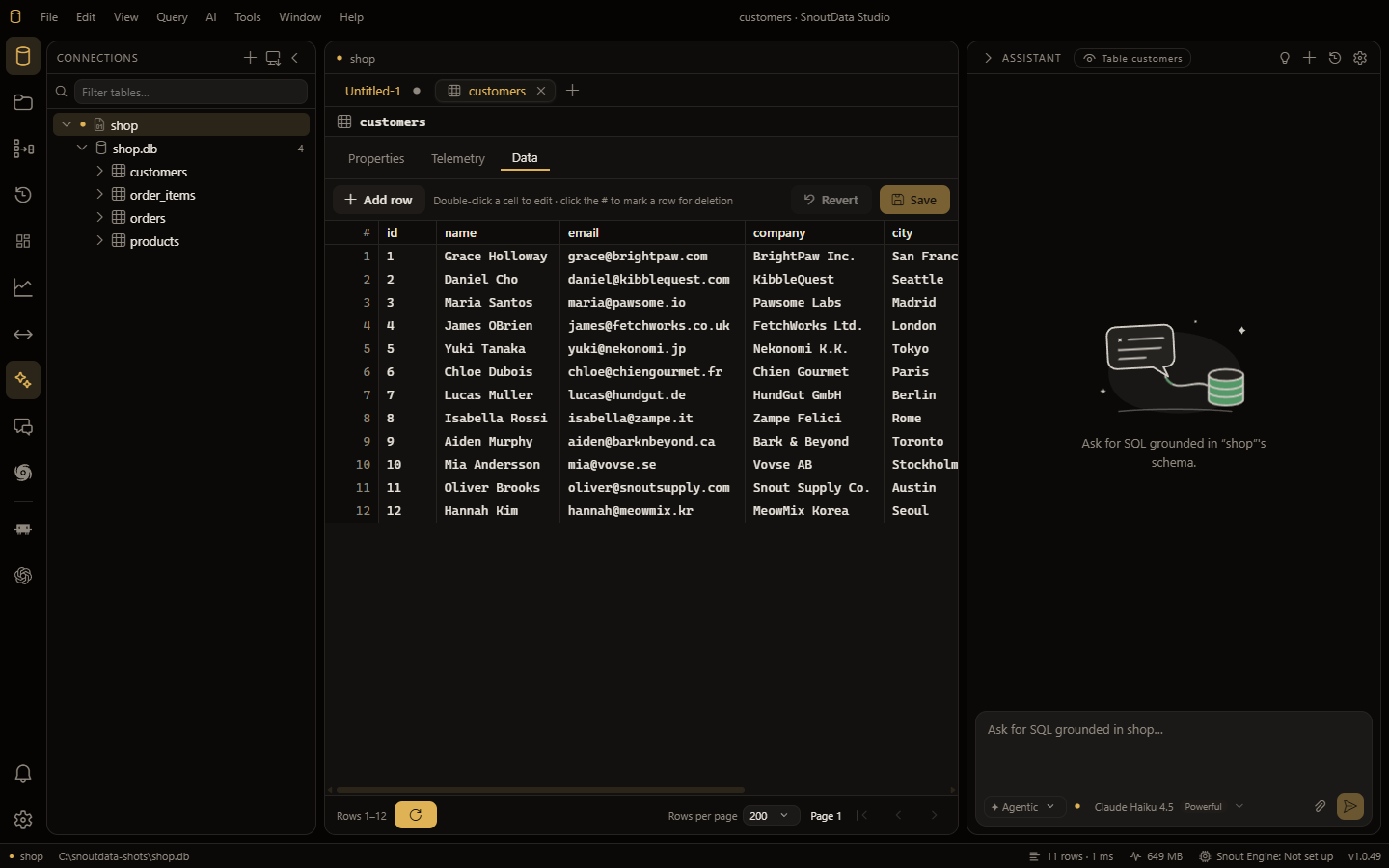
Explore results
- Sort by clicking a column header.
- Filter rows to narrow large result sets.
- Copy cells, rows, or the whole result.
- Navigate with the keyboard using an active-cell cursor.
Values with structure inside them
A cell holding an array, a map, a tuple, a JSON document or a Mongo document shows how many elements or keys are in it, at the right edge of the cell. Click that count (or right-click the cell and choose View value) and the value opens as a tree instead of one line of JSON:
- every node shows the type the database declared for it, so a ClickHouse
Tuple(id UInt64, name String)reads as fields with types rather than as an object with two keys; - every node can copy the path that reads it (
payload.items[0].name) in one click; - a small structure opens expanded and a large one waits to be opened, so a thousand-element array appears at once instead of scrolling past everything else.
The Text tab is still there, and is still what you edit: editing a structure by hand is editing text.
Editing cells
On non-production connections, you can edit cell values in place and apply the changes back to the database. Type-aware helpers include Set to default for a column. Right-click a row for Duplicate row and Delete row; the value-level actions (edit, set to NULL or default, copy from the row above or below) are under Edit cell.
On connections flagged as production, in-grid editing is locked to protect live data. The edit actions stay in the menu, greyed out, and you can lift the lock for that one connection without changing its production flag: choose Allow editing (this session) in the right-click menu, click the Read-only badge under the results, or click Allow editing for this session above a table's data. The lock comes back when the app restarts, or straight away from the Editing prod badge or Lock again. Saving still shows you the statements before anything runs.
Large results
Results are paginated so the grid stays responsive even on large queries. Page through the results rather than loading everything into memory at once.