Large datasets
SnoutData is built to stay safe when you point it at very large tables. It watches for the queries that quietly read millions of rows, warns you before they run, and explains why.
This is not an AI feature. The detection reads the database's own query plan and its indexes, so it is deterministic, instant, and offline, and it runs on every query. No model, no tokens, no guessing. Only the optional Ask Liby to fix button (below) calls the assistant.
Large scan warning
Some queries look perfectly fine and still scan every row of a huge table. Wrapping an indexed
column in a function is the classic trap: WHERE DATE(created_at) = '2023-10-16' cannot use the
index on created_at, so the database falls back to a full table scan.
Before SnoutData runs a query, it asks the database's own query planner how much it will read. If you are about to scan a large table with no usable index, it stops and tells you first, with the estimated row count.
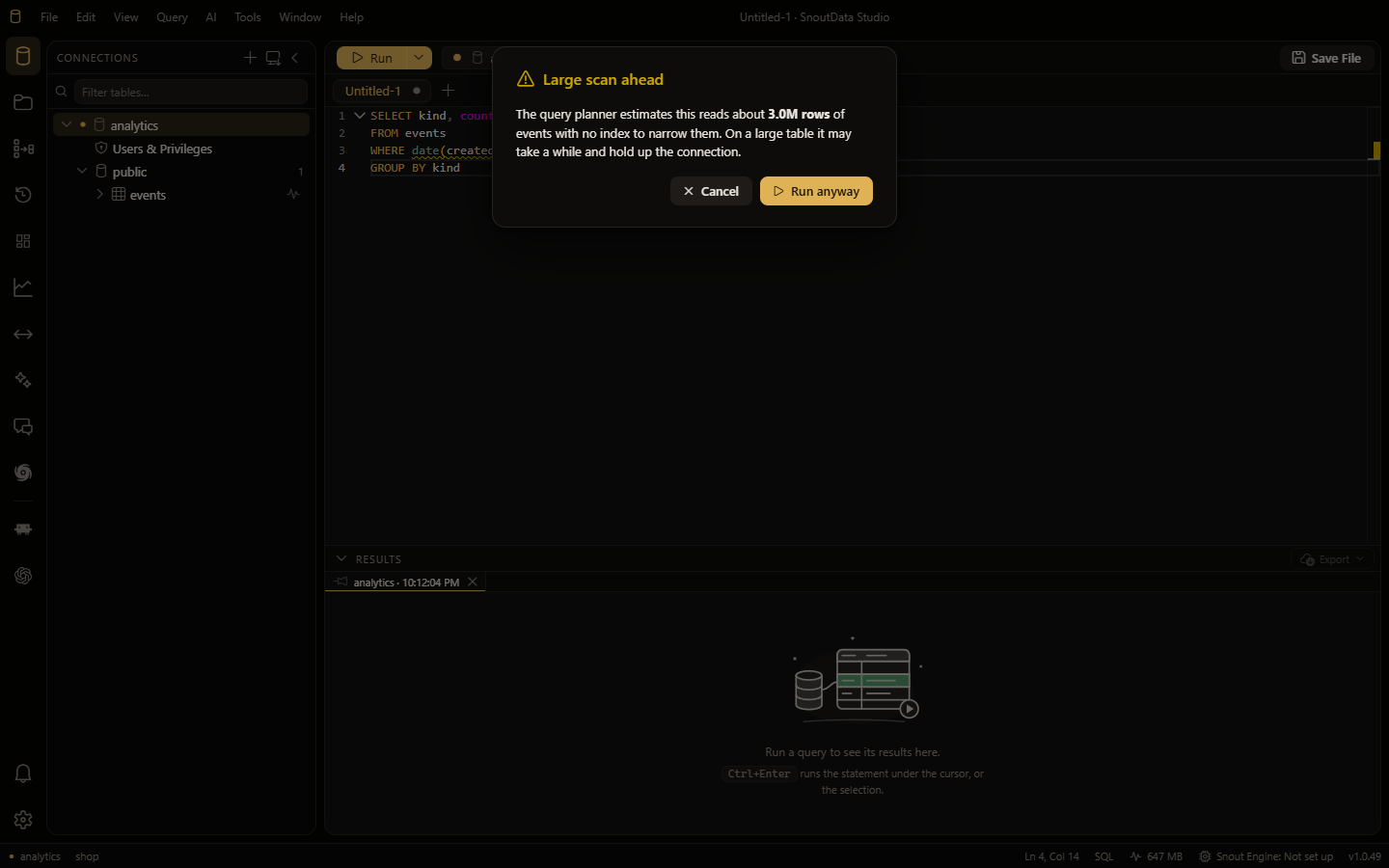
You stay in control: choose Run anyway or Cancel. Nothing runs behind your back.
Index and scan advice
SnoutData flags the filters that defeat an index as you type them. A predicate like DATE(col),
LOWER(col), a cast, or a leading-wildcard LIKE '%term' gets a marker in the editor with the
reason and a suggested rewrite that keeps the index usable.
After a query runs slowly, an advice strip appears above the results naming what made it slow (a full table scan, a sort with no index, a temporary table). Its Ask Liby to fix button hands the statement to the assistant to propose an index or a rewrite.
Long-running query warning
While a query runs, the timer in the toolbar turns into a clear "taking longer than expected" warning once it passes a few seconds, so a runaway query is obvious. One click cancels it.
Settings
Tune the thresholds, or turn any of this off, under Settings in the Large datasets section:
- Warn before a large scan, and the row estimate that triggers it.
- Warn a running query is slow after a number of milliseconds (0 turns it off).
- Advise on index and scans after a query takes a number of milliseconds (0 turns it off).