Editor basics
SnoutData's editor is a multi-tab workspace with schema-aware assistance. It is built around SQL, and on a MongoDB connection the same editor also writes native aggregation pipelines.
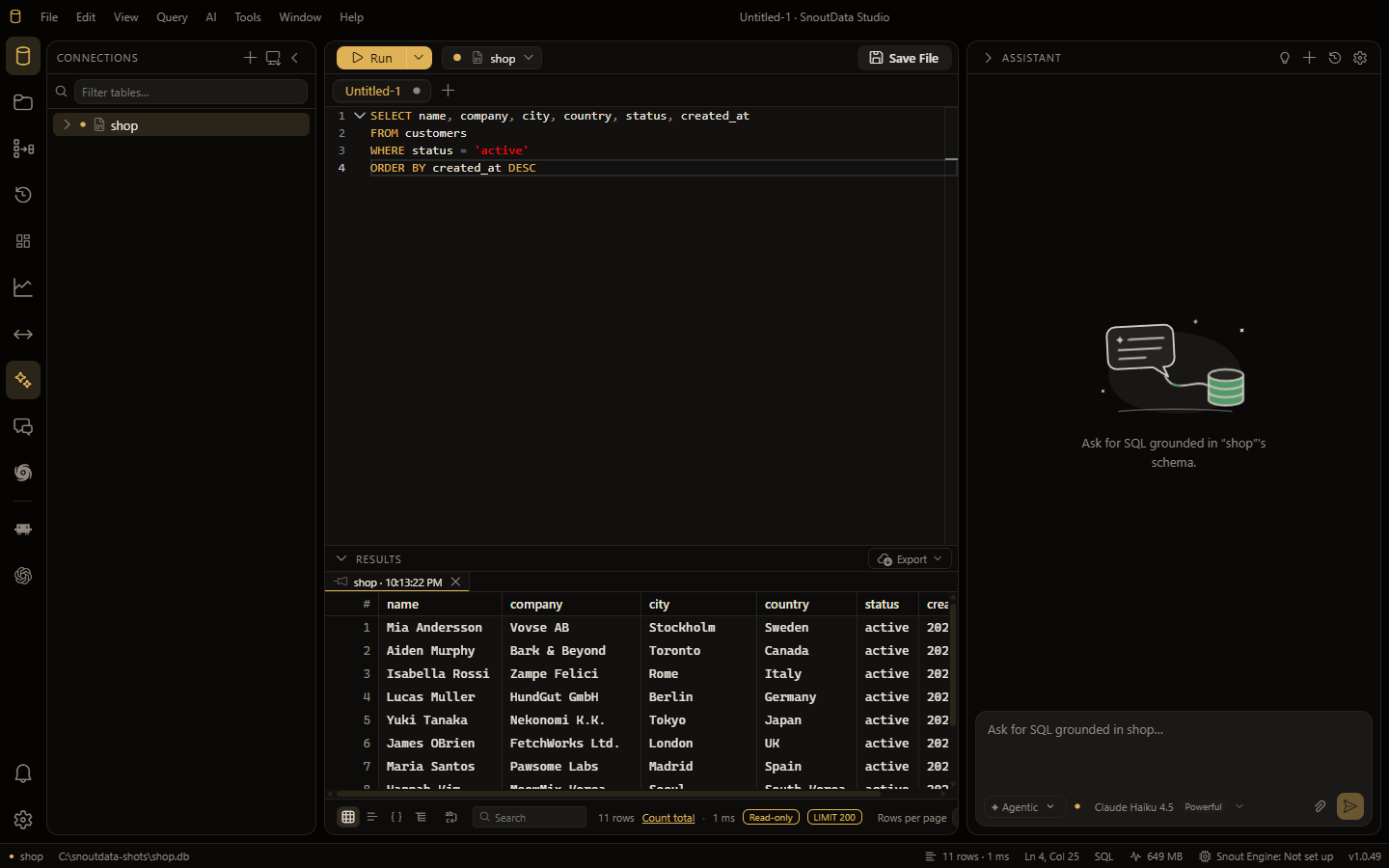
Tabs and files
| Action | Shortcut |
|---|---|
| New tab | Ctrl/Cmd+N |
Open .sql file | Ctrl/Cmd+O |
| Save | Ctrl/Cmd+S |
| Close tab | Ctrl/Cmd+W |
| Run | Ctrl/Cmd+Enter |
| Command palette | Ctrl/Cmd+Shift+P |
Schema-aware completion and hover
As you type, the editor suggests tables and columns from the connected database, along with SQL keywords. Hover a name to see its type and details. This is driven by a live schema index that refreshes as your database changes, so suggestions stay accurate.
On ClickHouse the editor also knows what the server itself knows: its functions with their
own signatures and documentation, aggregate combinators, table functions, engines, types,
formats and setting names, read from that server on connect, plus the dictionaries and attributes
that go inside a dictGet. See ClickHouse.
For predictive, whole-clause suggestions on top of this, see AI auto-completion.
Workspaces
A workspace is a folder of .sql scripts on disk (similar to DBeaver). SnoutData can
list, create, rename, and open scripts from it, and search across them by file name and
content. Saving an untitled tab can auto-name it into the current workspace.
Command palette
Press Ctrl/Cmd+Shift+P to run any command by name, including switching connections, opening files, and toggling panels.